
짧은 답변
고개 돌리기, 안개, 느린 푸시인 같은 하나의 움직임.
짧은 답변
고개 돌리기, 안개, 느린 푸시인 같은 하나의 움직임.
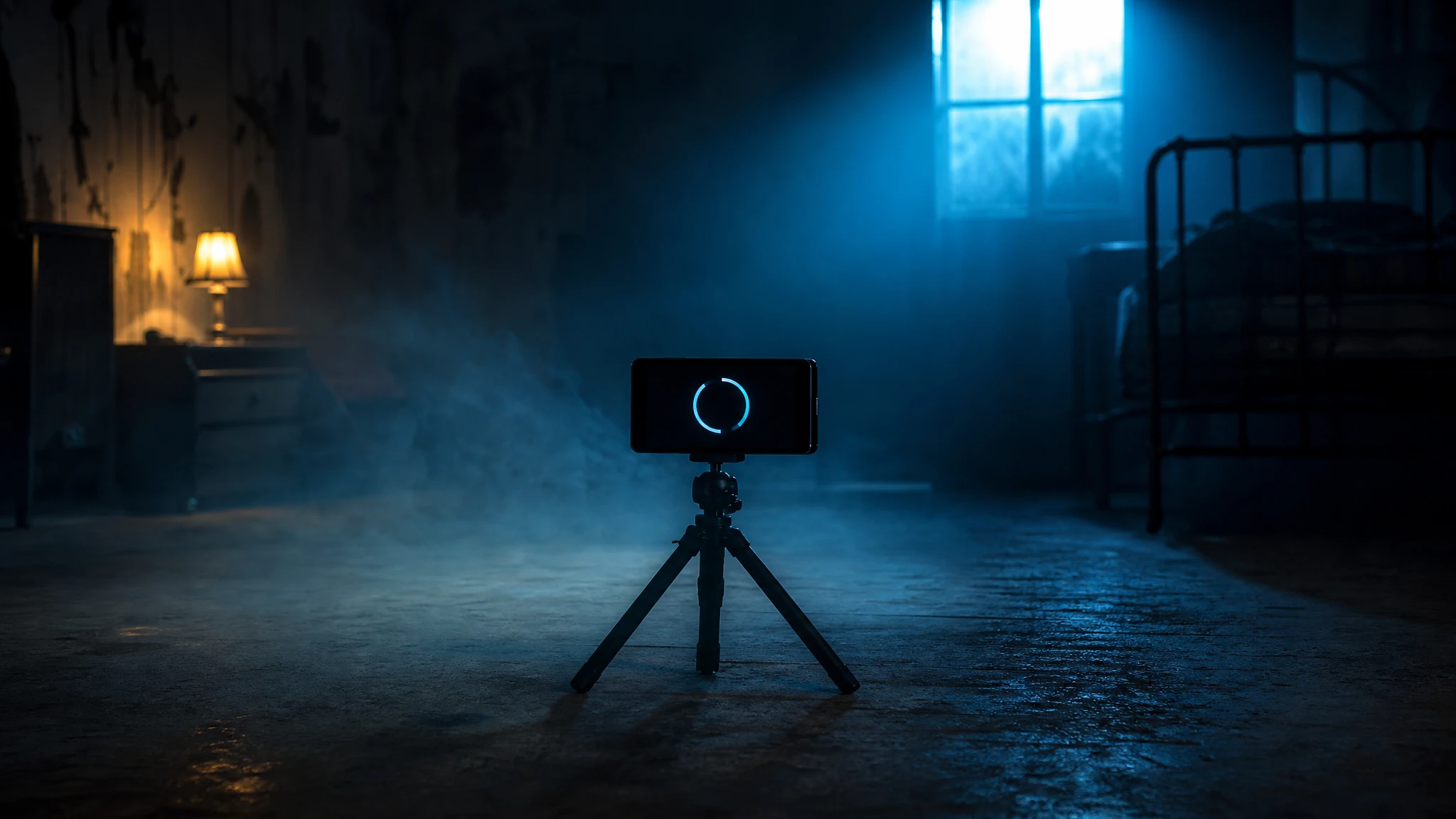
Local clip lab
Choose a clip you own. The browser trims and grades a preview; no file is uploaded.
Choose a short clip to start. Nothing leaves this browser.
AI 스튜디오
클립에는 읽히는 하나의 동작이 필요합니다. 먼저 스틸, 다음에 하나의 움직임만.
고개 돌리기, 안개, 느린 푸시인 같은 하나의 움직임.
AI 스튜디오
Prompt lab
A low-cost Wan image-to-video route is a sensible first test.
Use the provided image as the exact visual reference and starting composition. Create a continuous five-second cinematic Halloween portrait animation. Keep the subject's recognizable face, costume, hairstyle, and body proportions consistent with the reference. The subject slowly turns their head toward the camera with a subtle mysterious expression. A gentle breeze moves loose hair strands and the edges of the clothing. Soft fog drifts through the moonlit garden. The camera performs a slow and smooth push-in. Maintain realistic motion, stable anatomy, and consistent lighting. Do not change the person's identity, replace the costume, add characters, or introduce sudden scene cuts. No text or watermarks.
Avoid: identity change, costume change, extra characters, scene cuts, text, watermark
Kling routes are useful when you need a controlled performance beat.
Use the provided still as the exact starting frame. Create a five-second continuous shot of the subject standing in front of a dusty mirror. Keep the face, outfit, and body proportions identical to the reference. The subject slowly lifts their eyes to the mirror; the reflection moves a fraction later than the subject. A cold light flickers once, then settles. The camera holds steady with a very slow lateral drift. Keep realistic motion and stable anatomy. Do not add a second person, do not turn the reflection into a monster, do not cut the scene, and do not add text or watermarks.
Avoid: second person, monster reflection, scene cut, text, watermark
Fast queues help when you are comparing several motion strengths.
Animate the provided image as a five-second atmospheric horror shot. Keep the subject's identity, pose, costume, and lighting consistent with the reference. Add only subtle motion: slow fog rolling across the floor, a faint pulse in a practical light, and a gentle camera push-in. The subject blinks once and holds a calm, uneasy expression. Maintain realistic skin texture and stable anatomy. Do not change the face, add people, add sudden movements, cut the scene, or add text and watermarks.
Avoid: face change, extra people, sudden movement, scene cut, text, watermark
Model routing
| Provider | Best for | Typical route | Docs |
|---|---|---|---|
| WaveSpeedBudget-first | Low-cost image edits and image-to-video drafts | Seedream edit, FLUX Kontext, Wan image-to-video | Docs |
| KieCharacter-first | Nano Banana image edits and Kling video routes | Nano Banana, Kling video | Docs |
| falSpeed-first | Fast hosted queues and strong model coverage | FLUX, Kling, and other hosted media models | Docs |
| SeeAPIRouting layer | One API surface for several model families and fallback routes | Image and video inference endpoints | Docs |
| ReplicateExperiment-first | Broad catalogue for experiments and batch comparisons | Community and first-party image/video models | Docs |
AI 스튜디오
English
FAQ
아니요. 로컬 에디터는 브라우저 안에서 동작합니다. 공급자에게 프롬프트를 붙여 넣으면 해당 서비스 약관이 적용됩니다.
원본 사진에 대한 권리가 있고, 모델 라이선스가 상업적 사용을 허용하며, 필요한 곳에 AI 사용을 밝히는 경우에만 가능합니다. 타인의 얼굴은 동의 없이 쓰지 마세요.
확인한 출처