English quick take
Put identity first, wardrobe second, scene third, and camera last. Then make one change at a time and check the original face at 100 percent before you generate another batch.
 GirigoApp.com
AI Studio field note 6 min read
A horror portrait only works if the viewer still recognizes the person. This guide shows the order of operations that keeps the face intact while the costume and scene change.
English quick take
Put identity first, wardrobe second, scene third, and camera last. Then make one change at a time and check the original face at 100 percent before you generate another batch.
Field note
Most prompts spend their first hundred words on fog, blood, and a costume. The model reads that as the main job and treats the face as a detail to improvise. The result is a beautiful horror portrait of a stranger. The fix is not a longer prompt; it is a different order. The first sentence should name the reference and the identity constraints. The second sentence should describe the wardrobe. Only after that should the scene and the camera appear.
A second failure is the reference photo itself. A screenshot from a group chat, a heavy beauty filter, or a photo where half the face is in shadow gives the model very little to preserve. Use a front-facing photo with even light, no sunglasses, and a neutral expression. If you only have a low-resolution image, improve the crop before you blame the model.
Field note
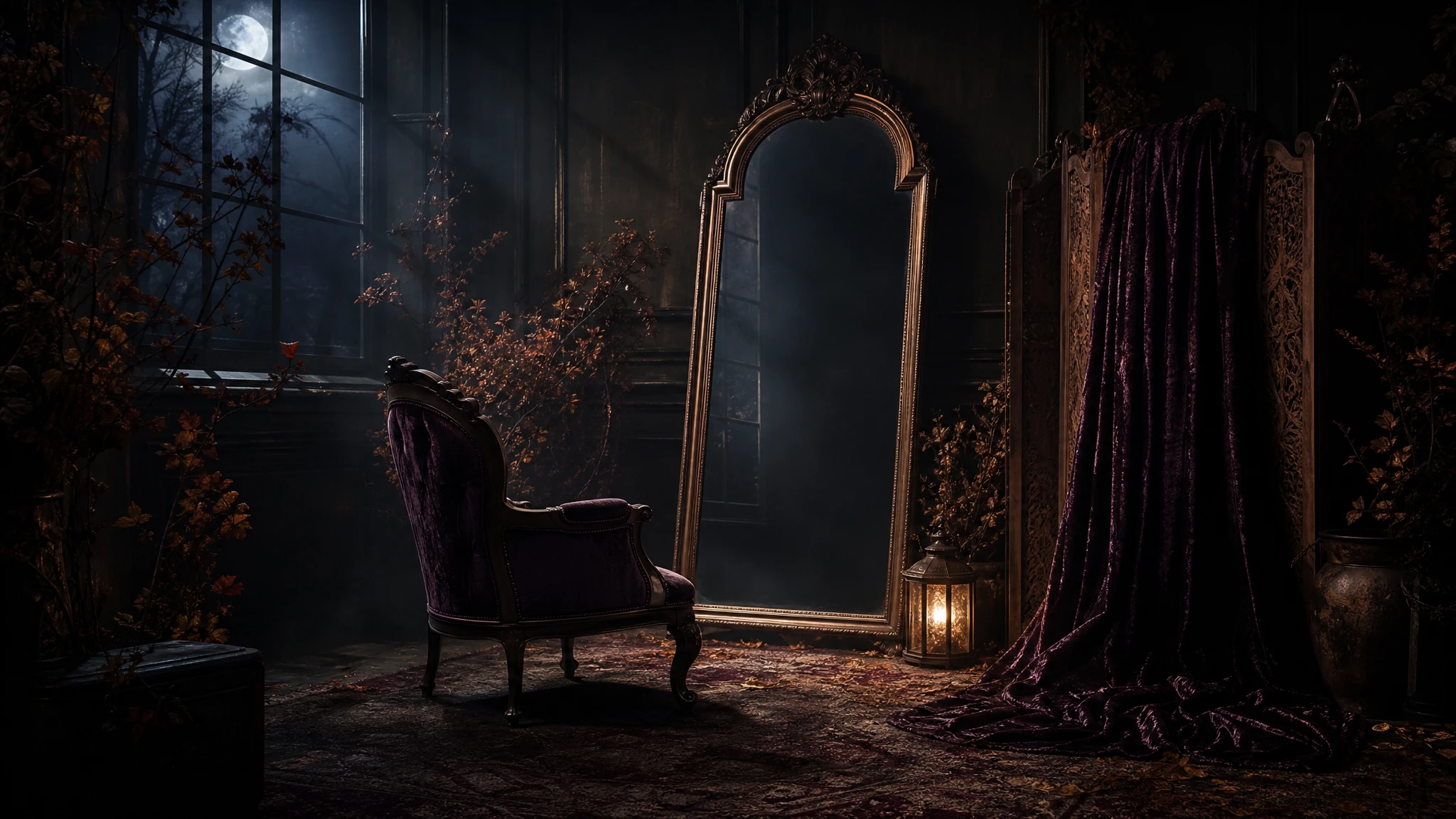
The Midnight Braids recipe on the studio page is a template, not a magic sentence. It starts with the uploaded photo, then preserves facial identity, proportions, skin tone, approximate age, and natural anatomy. It also states the number of people. Those clauses are the anchor. The violet braids, velvet outfit, and moonlit garden come after the anchor, so the model has a reason to keep the face stable while it changes everything else.
When you adapt the prompt, keep the anchor clauses word-for-word if they are working. Change one wardrobe clause or one lighting clause at a time. If you change the face clause, the hair, the background, and the camera in the same run, you will not know which change caused the drift.
Field note
The free editor on the studio page is not a replacement for the model. It is a decision tool. Upload the same photo, try the haunted, moonlight, VHS, and ember grades, adjust the vignette and grain, and add a short caption. You will learn whether the composition has enough room for the costume and whether the face reads at a small size. That is cheaper than generating four images to discover the crop is wrong.
The local editor also produces a useful reference for the final post-processing step. If the generated image is close but the grade is flat, you can match the local preview instead of guessing. Keep the unedited PNG and the graded PNG separate so you can compare them later.
Field note
Start with a budget image-edit route that accepts a reference image. WaveSpeed's Seedream and FLUX Kontext routes are sensible first tests. If the face drifts, try a character-focused route such as Kie before you move to a more expensive model. Replicate is useful when you want to compare several routes without committing to one provider's catalogue. SeeAPI is a routing layer, not a guarantee; check which upstream model you are actually calling.
Do not judge a model on a prompt written for a different model family. Some models respond better to short, direct instructions; others need the full scene description. Keep the identity anchor stable and change only the style language when you compare providers.
Field note
First, the eyes. If the eye shape, spacing, or color changes, the portrait is no longer the same person. Second, the jawline and ears. Models often soften or replace the jaw when they add a hood or veil. Third, the hands. If the pose shows hands, count the fingers and check the knuckles. Fourth, the skin texture. A plastic, airbrushed face is a common sign that the model replaced the reference instead of editing it.
If one of these fails, do not add more negative words. Fix the reference, reduce the number of changes, or switch to a model with stronger identity preservation. Negative prompts help, but they cannot rescue a reference that does not contain the information the model needs.
Field note
Use a photo you own or have explicit permission to edit. Do not publish a stylized portrait of someone else without their consent, even if the result is clearly artificial. If the image is for a commercial project, check the model license and keep a record of the source photo, model, provider, and date. If the portrait is of a minor, get a guardian's permission and avoid sexualized or violent themes.
The studio page exists to make this workflow shorter: a local preview, three structured recipes, and a provider table in one place. It does not generate on a hidden server, and it does not pretend that a browser filter is the same thing as a model. That honesty is the point.
Embedded studio
Open the studio
This page gives you three tested prompt recipes, a local filter-and-grain editor, and a provider routing table so you can run the same look in the model you already pay for.
Use the uploaded photo as the primary reference. Preserve the subject's recognizable facial identity, facial proportions, skin tone, approximate age, and natural anatomy. Transform the subject into an original gothic Halloween fashion portrait. Change the hairstyle into long violet braids with delicate silver hair accessories. Replace the clothing with an elegant black-and-purple velvet outfit with subtle lace and metallic details. Place the subject in a moonlit Victorian garden with soft fog, glowing lanterns, and dark autumn foliage. Use photorealistic editorial photography, realistic fabric texture, natural skin detail, and cinematic soft lighting. Keep the same number of people as the uploaded photo. Do not alter facial identity, add extra limbs, duplicate fingers, distort anatomy, or add text, logos, or watermarks.
Model routing
| Provider | Best for | Typical route | Docs |
|---|---|---|---|
| WaveSpeedBudget-first | Low-cost image edits and image-to-video drafts | Seedream edit, FLUX Kontext, Wan image-to-video | Docs |
| falSpeed-first | Fast hosted queues and strong model coverage | FLUX, Kling, and other hosted media models | Docs |
| ReplicateExperiment-first | Broad catalogue for experiments and batch comparisons | Community and first-party image/video models | Docs |
| SeeAPIRouting layer | One API surface for several model families and fallback routes | Image and video inference endpoints | Docs |
| KieCharacter-first | Nano Banana image edits and Kling video routes | Nano Banana, Kling video | Docs |
FAQ
The local editor and prompt builder are free. Model generation costs depend on the provider you choose; check the dashboard before a batch.
The prompt or reference is not giving the model enough identity information. Put the face and proportions first, use a sharp reference, and change fewer things at once.
There is no universal winner. Test a budget edit route, a character-focused route, and one stronger route with the same prompt and reference before you commit.
Only with rights to the source photo, a model license that permits commercial use, and any disclosure required by the platform. Do not use another person's likeness without consent.
Checked sources