English quick take
Avatars are read at 48 pixels. Start with a strong silhouette and one detail, not a crowded scene. The local editor handles the crop and caption; the prompt handles the look.
 GirigoApp.com
Girigo AI Studio 9 min read
Build a square profile image with a readable silhouette, a controlled horror detail, and a face that still looks like the person who approved it.
English quick take
Avatars are read at 48 pixels. Start with a strong silhouette and one detail, not a crowded scene. The local editor handles the crop and caption; the prompt handles the look.
Local look lab
Upload a photo you own. The canvas, grade, grain, and caption stay in this browser.
Choose a photo to start. Nothing leaves this browser.
Prompt studio
Pick a look, set the direction, and copy a prompt that names what must stay fixed.
Direction: cinematic portrait; preserve identity; one person.
Use the uploaded photo as the identity reference. Create a square horror profile portrait. Preserve the subject's recognizable face, skin tone, age, and natural anatomy. Use a simple dark background with a single cold rim light and a faint red practical light behind one shoulder. Add one subtle horror detail: a thin dark vein-like shadow at the temple, not a wound. Keep the expression calm. Use photorealistic editorial portrait photography with realistic skin texture. Center the face and leave a little breathing room around the head. No text, no logos, no watermark, no extra people.
Three useful outcomes
The head is centered with margin for a circular mask.
Open the studioA rim light or a single shadow is enough.
Open the studioCrop, grade, and download without an upload.
Open the studioPrompt lab
Fast iteration helps when you are testing avatar crops.
Use the uploaded photo as the identity reference. Create a square horror profile portrait. Preserve the subject's recognizable face, skin tone, age, and natural anatomy. Use a simple dark background with a single cold rim light and a faint red practical light behind one shoulder. Add one subtle horror detail: a thin dark vein-like shadow at the temple, not a wound. Keep the expression calm. Use photorealistic editorial portrait photography with realistic skin texture. Center the face and leave a little breathing room around the head. No text, no logos, no watermark, no extra people.
Avoid: text, logo, watermark, extra people, gore, exaggerated face
A budget route is enough for a centered portrait.
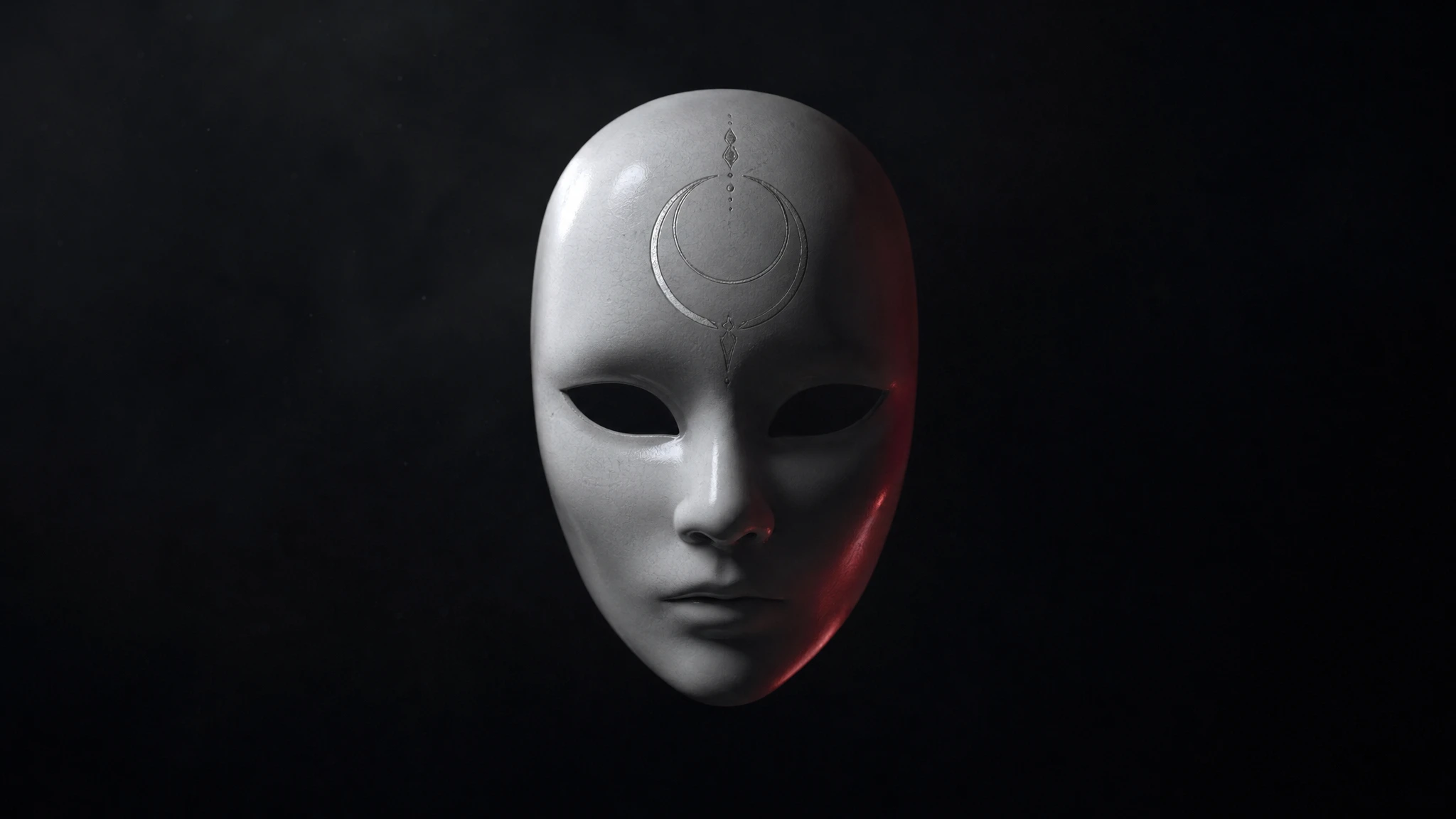
Edit the uploaded portrait into a square analog-horror avatar. Keep the subject's face and head proportions recognizable. Add a plain white ceramic mask pushed up onto the forehead, not covering the face. Use cold fluorescent light, faint VHS scanlines, and a dark gray background. The expression stays neutral. Center the head with enough margin for a circular crop. No text, no logos, no watermark, no second person.
Avoid: mask covering face, text, logo, watermark, second person
Character routes help keep a clean, centered face.
Use the uploaded photo as the identity reference. Create a square occult-horror avatar with a deep blue background, a thin silver moon sigil behind the head, and one soft rim light. Preserve the subject's face, skin texture, and body proportions. The sigil should be geometric and subtle, not a readable spell or a brand mark. Keep the composition centered and simple. Use cinematic portrait photography with fine grain. No text, no logos, no watermark, no extra people.
Avoid: readable spell, brand mark, text, logo, watermark, extra people
WaveSpeed, SeeAPI, fal, Replicate, Kie
| Provider | Best for | Typical route | Docs |
|---|---|---|---|
| falSpeed-first | Fast hosted queues and strong model coverage | FLUX, Kling, and other hosted media models | Docs |
| WaveSpeedBudget-first | Low-cost image edits and image-to-video drafts | Seedream edit, FLUX Kontext, Wan image-to-video | Docs |
| KieCharacter-first | Nano Banana image edits and Kling video routes | Nano Banana, Kling video | Docs |
| SeeAPIRouting layer | One API surface for several model families and fallback routes | Image and video inference endpoints | Docs |
| ReplicateExperiment-first | Broad catalogue for experiments and batch comparisons | Community and first-party image/video models | Docs |
Step by step
Failure modes
Editorial brief
An avatar is a thumbnail, not a poster. The details that make a portrait interesting at full size often turn into mud at 48 pixels. The strongest horror avatars use a simple silhouette, one light source, and one unsettling detail. That is a different design brief from a cinematic portrait, and the prompt should say so.
Generate a square image with the head centered and enough margin for a circular crop. Then test it at the size the platform actually uses. If the horror detail disappears, enlarge it or replace it with a stronger silhouette. Keep the face readable; an avatar that looks like a stranger is not a successful identity edit.
Deeper guide
The prompt is only half the job. The field note walks through the failure modes, the identity check, and the model comparison behind this page.
Open the field noteFAQ
Generate a square image at 1024 pixels or larger, then export a 512-pixel PNG. The platform will resize it, but a clean square source avoids awkward crops.
Yes, if you have the rights to the source photo and the model license permits it. Do not impersonate another person or imply official affiliation.
Too many details. Use one strong light, one silhouette, and one horror detail. Remove texture that only works at full size.
A fast image-edit route on fal or a budget route on WaveSpeed is a good first test. Use a character-focused route if the face needs to stay very close to the reference.
Checked sources