Risposta rapida
Un avatar che funziona anche a 48 pixel.
 GirigoApp.com
AI Studio 4 min read
Crea un'immagine profilo quadrata con una silhouette leggibile.
Risposta rapida
Un avatar che funziona anche a 48 pixel.
Local look lab
Upload a photo you own. The canvas, grade, grain, and caption stay in this browser.
Choose a photo to start. Nothing leaves this browser.
AI Studio
Gli avatar sono miniature: una luce, una silhouette e un dettaglio bastano.
Un avatar che funziona anche a 48 pixel.
AI Studio
Prompt lab
Fast iteration helps when you are testing avatar crops.
Use the uploaded photo as the identity reference. Create a square horror profile portrait. Preserve the subject's recognizable face, skin tone, age, and natural anatomy. Use a simple dark background with a single cold rim light and a faint red practical light behind one shoulder. Add one subtle horror detail: a thin dark vein-like shadow at the temple, not a wound. Keep the expression calm. Use photorealistic editorial portrait photography with realistic skin texture. Center the face and leave a little breathing room around the head. No text, no logos, no watermark, no extra people.
Avoid: text, logo, watermark, extra people, gore, exaggerated face
A budget route is enough for a centered portrait.
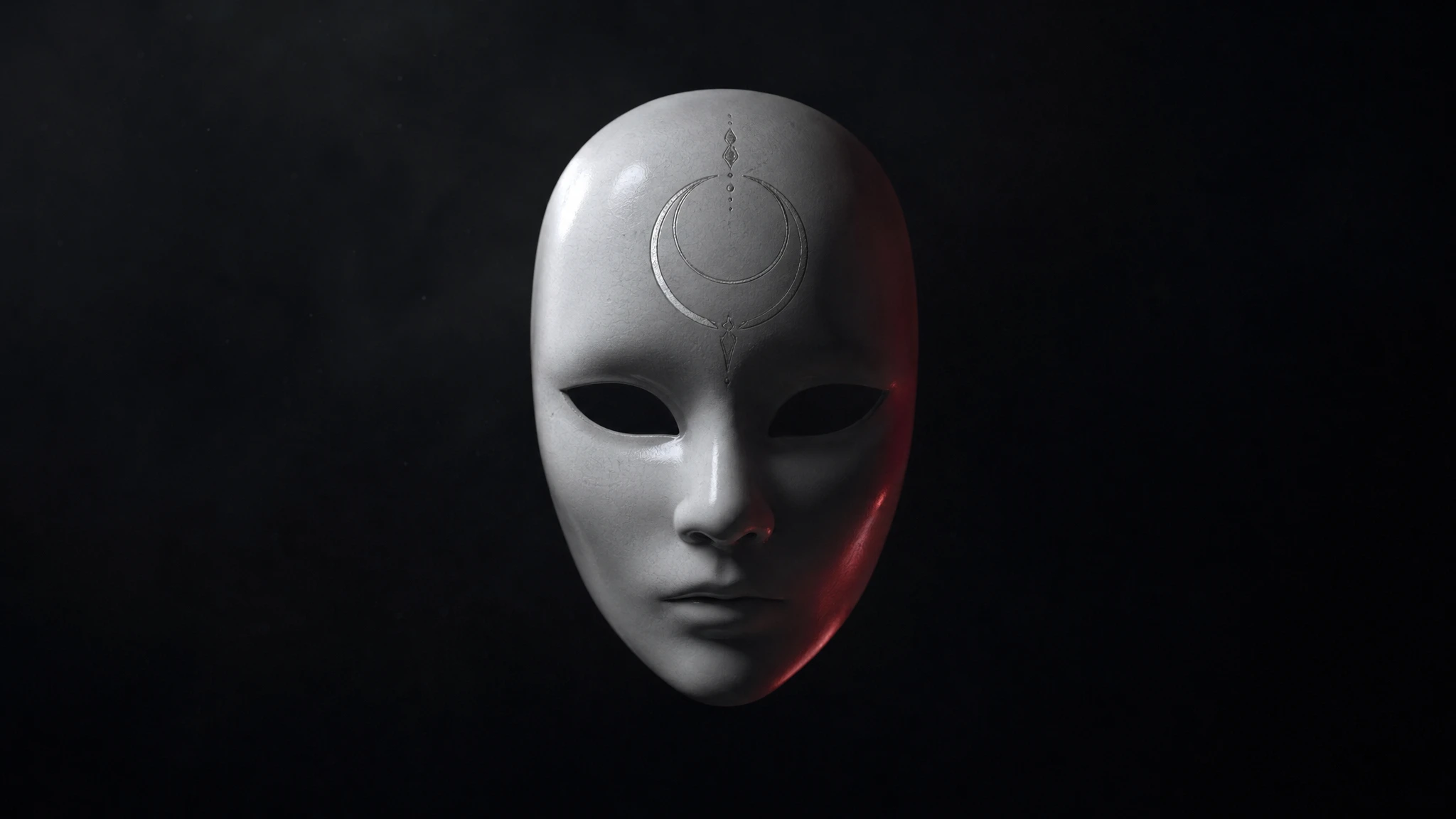
Edit the uploaded portrait into a square analog-horror avatar. Keep the subject's face and head proportions recognizable. Add a plain white ceramic mask pushed up onto the forehead, not covering the face. Use cold fluorescent light, faint VHS scanlines, and a dark gray background. The expression stays neutral. Center the head with enough margin for a circular crop. No text, no logos, no watermark, no second person.
Avoid: mask covering face, text, logo, watermark, second person
Character routes help keep a clean, centered face.
Use the uploaded photo as the identity reference. Create a square occult-horror avatar with a deep blue background, a thin silver moon sigil behind the head, and one soft rim light. Preserve the subject's face, skin texture, and body proportions. The sigil should be geometric and subtle, not a readable spell or a brand mark. Keep the composition centered and simple. Use cinematic portrait photography with fine grain. No text, no logos, no watermark, no extra people.
Avoid: readable spell, brand mark, text, logo, watermark, extra people
Model routing
| Provider | Best for | Typical route | Docs |
|---|---|---|---|
| falSpeed-first | Fast hosted queues and strong model coverage | FLUX, Kling, and other hosted media models | Docs |
| WaveSpeedBudget-first | Low-cost image edits and image-to-video drafts | Seedream edit, FLUX Kontext, Wan image-to-video | Docs |
| KieCharacter-first | Nano Banana image edits and Kling video routes | Nano Banana, Kling video | Docs |
| SeeAPIRouting layer | One API surface for several model families and fallback routes | Image and video inference endpoints | Docs |
| ReplicateExperiment-first | Broad catalogue for experiments and batch comparisons | Community and first-party image/video models | Docs |
AI Studio
English
FAQ
No. L'editor locale lavora nel browser. Quando copi un prompt in un provider, valgono i suoi termini.
Solo se hai i diritti della foto, la licenza del modello lo consente e dichiari l'uso dell'IA dove richiesto. Non usare il volto di altre persone senza consenso.
Fonti verificate