English quick take
Center the head, use one light and one horror detail, test the image at 48 pixels, and export a square PNG. If the detail disappears, make it simpler or stronger.
 GirigoApp.com
AI Studio field note 5 min read
An avatar is a thumbnail. This guide shows how to design a horror profile image that still reads when the platform shrinks it to a tiny circle.
English quick take
Center the head, use one light and one horror detail, test the image at 48 pixels, and export a square PNG. If the detail disappears, make it simpler or stronger.
Field note
A portrait can reward a long look. An avatar has to work in a fraction of a second. The details that make a portrait interesting at full size often turn into noise at 48 pixels. The strongest avatars use a simple silhouette, one light source, and one unsettling detail. That is a different design brief, and the prompt should say so.
The platform also crops. A square image is the safest input because a circle crop can remove the edges. Center the head with enough margin so the top of the hair and the chin survive the crop.
Field note
The Cursed Profile recipe uses a simple dark background, a single cold rim light, and a faint red practical light behind one shoulder. The horror detail is a thin dark shadow at the temple, not a wound. That is enough to signal the genre without turning the face into a monster.
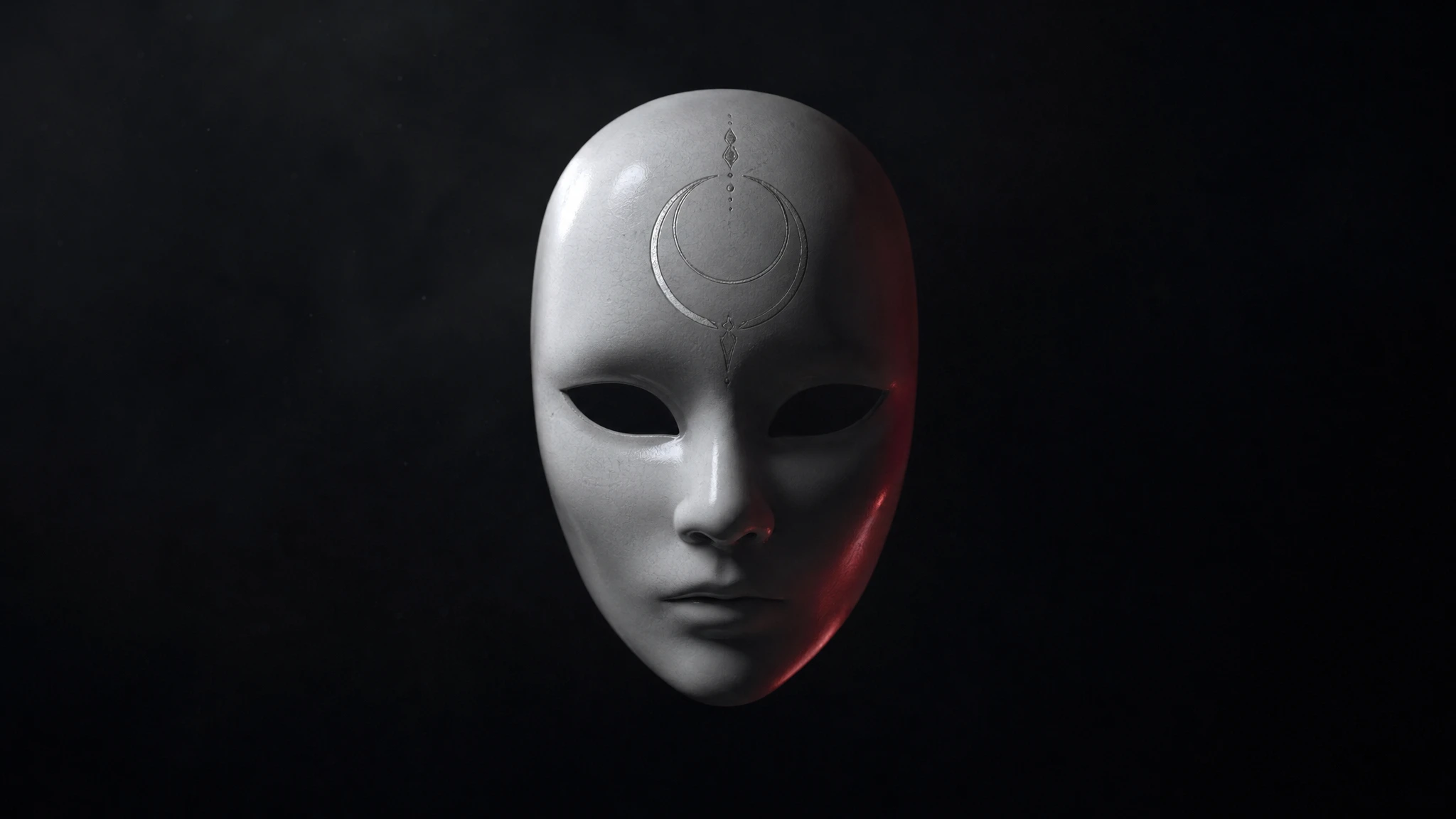
If you want a stronger detail, use a mask pushed up onto the forehead, a geometric sigil behind the head, or a single VHS scanline. Do not add all three. The avatar needs one idea, not a mood board.
Field note
Start with the identity reference, then the square frame, then the background, then the light, then the horror detail, then the negative constraints. The prompt should say "center the face" and "leave a little breathing room around the head." That gives the crop room to work.
Avoid a busy background. A street scene, a crowd, or a detailed room will disappear into noise at avatar size. A solid, gradient, or single-wall background keeps the silhouette readable.
Field note
A fast image-edit route on fal or a budget route on WaveSpeed is a good first test. Use a character-focused route if the face needs to stay very close to the reference. Replicate is useful for comparing several models with the same square prompt.
Generate at 1024 pixels or larger, then export a 512-pixel PNG. The platform will resize it, but a clean square source avoids awkward crops.
Field note
Shrink the avatar to 48 pixels and look at it on a neutral background. Can you see the face? Can you see the one horror detail? If not, the image is too complex. Increase the contrast, simplify the background, or make the detail larger. A subtle detail that only works at full size is not an avatar detail.
Also check the avatar in both light and dark mode. A dark image can disappear on a dark interface; a bright rim light helps. If the platform adds a circular crop, check that the crop does not cut the chin or the top of the head.
Field note
Use a photo you own or have permission to edit. Do not use an avatar to impersonate a real person, a brand, or an official account. Do not add a real logo or a readable symbol that could be confused with a trademark. If the image is for a fan page, label it as unofficial.
The studio page gives you a square preview, three avatar recipes, and a local crop-and-grade editor. It is a design tool, not a verification tool. The person in the photo should still recognize themselves after the edit.
Embedded studio
Open the studio
Avatars are read at 48 pixels. Start with a strong silhouette and one detail, not a crowded scene. The local editor handles the crop and caption; the prompt handles the look.
Use the uploaded photo as the identity reference. Create a square horror profile portrait. Preserve the subject's recognizable face, skin tone, age, and natural anatomy. Use a simple dark background with a single cold rim light and a faint red practical light behind one shoulder. Add one subtle horror detail: a thin dark vein-like shadow at the temple, not a wound. Keep the expression calm. Use photorealistic editorial portrait photography with realistic skin texture. Center the face and leave a little breathing room around the head. No text, no logos, no watermark, no extra people.
Model routing
| Provider | Best for | Typical route | Docs |
|---|---|---|---|
| falSpeed-first | Fast hosted queues and strong model coverage | FLUX, Kling, and other hosted media models | Docs |
| WaveSpeedBudget-first | Low-cost image edits and image-to-video drafts | Seedream edit, FLUX Kontext, Wan image-to-video | Docs |
| KieCharacter-first | Nano Banana image edits and Kling video routes | Nano Banana, Kling video | Docs |
| SeeAPIRouting layer | One API surface for several model families and fallback routes | Image and video inference endpoints | Docs |
| ReplicateExperiment-first | Broad catalogue for experiments and batch comparisons | Community and first-party image/video models | Docs |
FAQ
Generate a square image at 1024 pixels or larger, then export a 512-pixel PNG. The platform will resize it.
Yes, if you have rights to the source photo and the model license permits it. Do not impersonate another person or imply official affiliation.
Too many details. Use one strong light, one silhouette, and one horror detail. Remove texture that only works at full size.
A fast image-edit route on fal or a budget route on WaveSpeed is a good first test. Use a character-focused route if the face must stay very close to the reference.
Checked sources